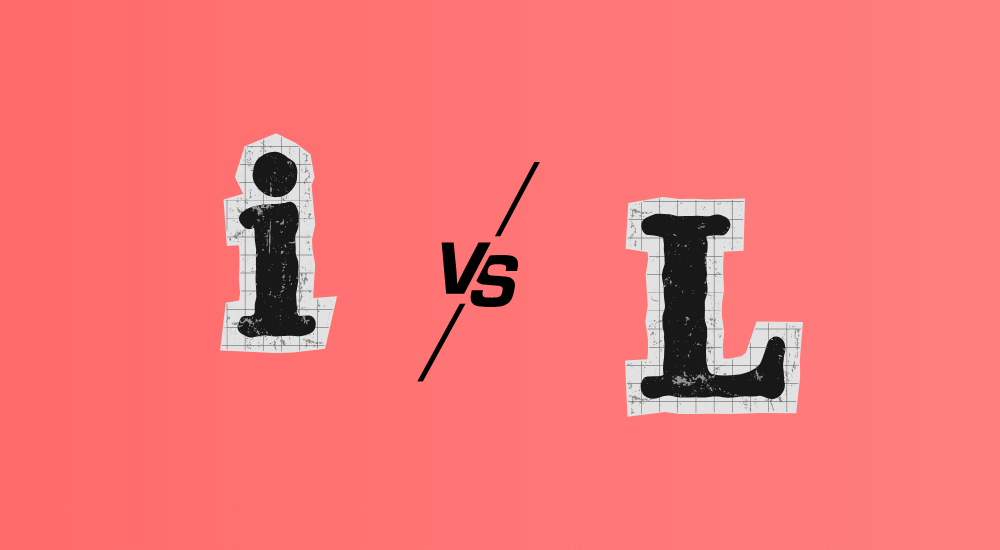
Have you ever tried to enter a password or code only to discover that something obviously doesn’t match? The problem might be that you’re confusing uppercase I (i) and lowercase l (L). This is a common problem that affects millions of people daily, especially when working with passwords, usernames, codes, or other text strings where every character is critical.
Our interactive I vs l character checker helps you identify exactly which letters are in your text. With color-coded analysis and clear display, you can finally be sure whether you’re looking at an uppercase I or lowercase l.
Tip: In most fonts, uppercase I has serifs (horizontal lines) while lowercase l is just a straight line.
The difference between uppercase I and lowercase l has been a problem since modern typography was developed. In many fonts, these letters look almost identical, especially on low-resolution screens or in small font sizes.
Historical background: Uppercase I’s have traditionally had serifs (small crossbars) at the top and bottom, while lowercase l is usually a clean vertical line. But in modern, sans-serif fonts like Arial, Helvetica, and many web fonts, the difference can be minimal or almost non-existent.
The tool analyzes your text character by character and identifies:
I and l confusion is a real problem that affects all of us in our digital daily lives. By using tools like our character checker, you can save time, avoid frustration, and ensure that important information is communicated correctly.
Our tool gives you confidence by showing exactly what’s in your text, with color-coded analysis and clear markings. Whether you’re working with passwords, codes, usernames, or other text strings where precision is critical, this checker will help you be sure you have the right characters.
Start using our I vs l character checker today, and experience how much easier it becomes to handle text with problematic letters!
Also read: Compound Interest Calculator